
Beginning GIMP
☆☆☆☆☆
(0 reviews)
Lowest price (incl. delivery)
51,71 AUD
Typical price210,97 PLN
Lowest (90 days)25,04 PLN
Offers5
Last updated1 hafta önce
Price history (90 days)
Full history
2026-08-07
2026-08-15
| Güncellenme Tarihi | Fiyat |
|---|---|
| 2026-08-07 | 25,04 |
| 2026-08-08 | 26,71 |
| 2026-08-09 | 32,17 |
| 2026-08-15 | 62,39 |
| Satıcı | Product price | Delivery | Toplam | Stok Durumu | Updated | |
|---|---|---|---|---|---|---|
| VI VitalSource | 26,71 AUD | 25,00 AUD | 51,71 AUD | Mevcut | 1 hafta önce | View offer |
| KN Knetbooks.com | 39,57 USD | 19,00 USD | 58,57 USD | Mevcut | 1 hafta önce | View offer |
| SP SpringerNatureLink Shop INT | 8 579,00 JPY | 25,00 JPY | 8 604,00 JPY | Mevcut | 5 gün önce | View offer |
| SP Springer Nature Author | 8 579,00 JPY | 19,00 JPY | 8 598,00 JPY | Mevcut | 1 hafta önce | View offer |
| SP SpringerNatureLink Shop INT | 71,00 EUR | free | 71,00 EUR | Mevcut | 5 gün önce | View offer |
Fiyatlar ve stok durumu değişebilir. Son Güncelleme: 08.08.2026 12:03.
EAN
9781430210702
Springer Nature
0,0
☆☆☆☆☆
0 reviews
5★
0%
4★
0%
3★
0%
2★
0%
1★
0%
Product reviews
No reviews yet — be the first!
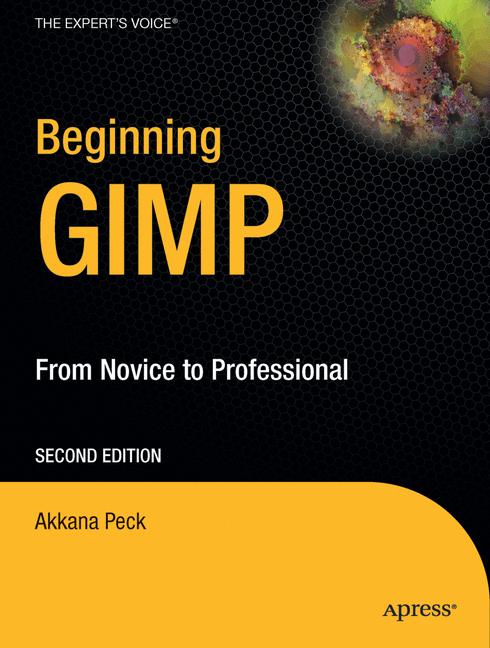
From first installation to advanced image manipulation techniques, Beginning GIMP: From Novice to Professional, Second Edition explains how anyone can utilize GIMP: a free, open source image manipulation program. You will learn how to install GIMP on Windows, Linux, and Mac OS X platforms. Once you've installed the application, you'll learn about the interface and configuration options, and then jump into a quick and simple project to familiarize yourself. With four–color graphics and screenshots throughout, you'll learn how to prepare camera images for display on web pages—including processes like rescaling, cropping, and balancing color. Utilizing layers, paths, and masks are also covered in extensive detail. Of course, you will also learn how to draw lines and shapes; utilize patterns and gradients; and even create your own brushes, patterns, and gradients. GIMP expert and author Akkana Peck teaches you how to touch up digital photographs, smudging away blemishes, fixing red–eye, and stitching panoramic images. You'll learn how to tap into the powerful filters, effects, and plug–ins that are available for GIMP and automate tasks using scripts. The entire book is approached in a project–based manner, and as you progress, numerous projects will help strengthen your newly acquired abilities.