
QNAP TR-002 HDD/SSD enclosure Black 2.5/3.5"
☆☆☆☆☆
(0 reviews)

| Seller | Product price | Delivery | Total | Availability | Updated | |
|---|---|---|---|---|---|---|
| BA Back to the Office | 383,99 GBP | free | 383,99 GBP | Limited | 2 weeks ago | View offer |
Prices and availability may change. Last Updated: 23.07.2026 16:01.
EAN
5051868149856
QNAP
0,0
☆☆☆☆☆
0 reviews
5★
0%
4★
0%
3★
0%
2★
0%
1★
0%
Product reviews
No reviews yet — be the first!
HDD/SSD enclosure Serial ATA II, Serial ATA III 2.5/3.5" Number of storage drives supported: 2 Hot-swap USB connectivity Power source type: DC Black The TR-002 USB 3.1 Gen. 2 RAID expansion enclosure allows you to expand the capacity of your QNAP NAS and PC. The TR-002 can also be utilized as a DAS (Direct-attached Storage) device, allowing you to directly access its content just by connecting it via USB. The TR-002 features two 3.5-inch SATA drive bays with USB 3.1 Gen. 2 Type-C connectivity to bring you a highly-reliable and secure storage capacity expansion solution.Effective storage expansion with RAID SupportThe TR-002 is an ideal storage expansion solution for PCs, especially for laptops which lack the ability to install higher-capacity drives. Featuring two 3.5-inch SATA drive bays and supporting RAID configuration, the TR-002 provides the ability to store a vast number of files and data and to ensure protection against potential drive failure.upports various RAID levelsThe TR-002 supports various RAID configurations. Depending on your requirements, you can switch between hardware- or software-controlled RAID modes. Move the DIP switches to corresponding positions for your ideal RAID mode: Individual, JBOD, RAID 0 or RAID 1. You can also configure the RAID settings from your QNAP NAS, or by using the QNAP External RAID Manager utility on your computer.Flexible storage configuration and managementCompared with other RAID enclosures, the TR-002 provides software-controlled configurations for greater management flexibility. Users can configure RAID and monitor disk health using Storage & Snapshots Manager on a QNAP NAS, or by using the QNAP External RAID Manager utility on their computer.Scenario 1: Expand the capacity of your NASThe TR-002 allows users to expand their NAS storage capacity. By connecting the TR-002 to their NAS and using the Storage & Snapshots Manager, users can easily configure and manage their storage expansion. The TR-002 supports a variety of QNAP NAS storage and file management functions, allowing users to build storage pools, find files with Qsirch and organize files with Qfiling.Use the TR-002 as an alternative to conventional NAS expansion enclosuresAs an external hardware RAID device, the TR-002 operates independently and does not require additional NAS system resources. The TR-002 features USB 3.1 Gen.2 connection and supports SATA 6Gb/s drives for high-speed data access.Scenario 2: External storage for your NASInstead of using the TR-002 to expand the capacity of your QNAP NAS, you can use it as a complimentary storage unit for backing up or moving data. It also allows you to physically migrate huge data collections that would require significant network bandwidth. While connected to the NAS, you can monitor the health and status of the TR-002 by using the Storage & Snapshots Manager on the NAS.Scenario 3: Expand the storage space of your computerThe TR-002 can quickly add storage space to your computer. You can use the DIP switch to configure a hardware RAID mode or manage it by using the QNAP External RAID Manager utility. The health and status of the TR-002 can also be monitored by using the QNAP External RAID Manager utility.Scenario 4: Cross-platform file sharingFrom your NAS to Windows, Mac, and Linux computers, the TR-002 is compatible with a wide range of devices. This makes it ideal for quickly moving large files between different devices. The TR-002 is even compatible with devices that use the exFAT file system*, adding further convenience for accessing and sharing files from a wider range of devices. Storage Hot-swap Yes RAID levels 0, 1, JBOD Total installed storage capacity 8 TB Installed storage drive type HDD Number of storage drives installed 2 Number of storage drives supported 2 Supported storage drive interfaces Serial ATA II, Serial ATA III Storage drive size 2.5/3.5" Ports & interfaces DC-in jack Yes USB ports quantity 1 USB connector type USB Type-C USB version 3.2 Gen 2 (3.1 Gen 2) USB connectivity Yes Design Fan diameter 7 cm Number of fans 1 fan(s) LED indicators HDD, SSD, Status, USB Product colour Black Product type HDD/SSD enclosure Performance Supported file systems FAT32, HFS+, NTFS, exFAT, ext3, ext4 Power External power adapter Yes AC adapter output voltage 12 V AC adapter input voltage 100 - 240 V Power source type DC System requirements Mac operating systems supported Mac OS X 10.13 High Sierra, Mac OS X 10.14 Mojave, Mac OS X 10.2 Jaguar, Mac OS X 10.3 Panther, Mac OS X 10.4 Tiger, Mac OS X 10.5 Leopard, Mac OS X 10.6 Snow Leopard, Mac OS X 10.7 Lion, Mac OS X 10.8 Mountain Lion, Mac OS X 10.9 Mavericks Linux operating systems supported Yes Windows operating systems supported Windows 10, Windows 7, Windows 8, Windows 8.1 Weight & dimensions Weight 1.37 kg Height 168.5 mm Depth 219 mm Width 102 mm Packaging content Screws included Yes Cables included AC, USB Type-C AC adapter included Yes Logistics data Harmonized System (HS) code 84733080
Similar products
 Katun 44436 toner cartridge 1 pc(s) Magenta
from $80.00
Katun 44436 toner cartridge 1 pc(s) Magenta
from $80.00
 HP EliteDesk 8 Mini G1i AI Intel Core Ultra 9 64 GB DDR5-SDRAM 1 TB SSD Windows 11 Pro Mini PC AI PC Black
from $3,352.79
HP EliteDesk 8 Mini G1i AI Intel Core Ultra 9 64 GB DDR5-SDRAM 1 TB SSD Windows 11 Pro Mini PC AI PC Black
from $3,352.79
 Katun 44437 toner cartridge 1 pc(s) Yellow
from $80.00
Katun 44437 toner cartridge 1 pc(s) Yellow
from $80.00
 DELL Pro Max 18 Plus MB18250 Intel Core Ultra 9 285HX Mobile workstation 45.7 cm (18") Quad HD+ 64 GB DDR5-SDRAM 1 TB SSD NVIDIA RTX PRO 3000
from $7,312.65
DELL Pro Max 18 Plus MB18250 Intel Core Ultra 9 285HX Mobile workstation 45.7 cm (18") Quad HD+ 64 GB DDR5-SDRAM 1 TB SSD NVIDIA RTX PRO 3000
from $7,312.65
 HP ZBook Fury G1i Intel Core Ultra 9 285HX Mobile workstation 40.6 cm (16") WUXGA 32 GB DDR5-SDRAM 1 TB SSD NVIDIA RTX PRO 3000 Blackwell Wi-Fi 7
from $7,043.41
HP ZBook Fury G1i Intel Core Ultra 9 285HX Mobile workstation 40.6 cm (16") WUXGA 32 GB DDR5-SDRAM 1 TB SSD NVIDIA RTX PRO 3000 Blackwell Wi-Fi 7
from $7,043.41
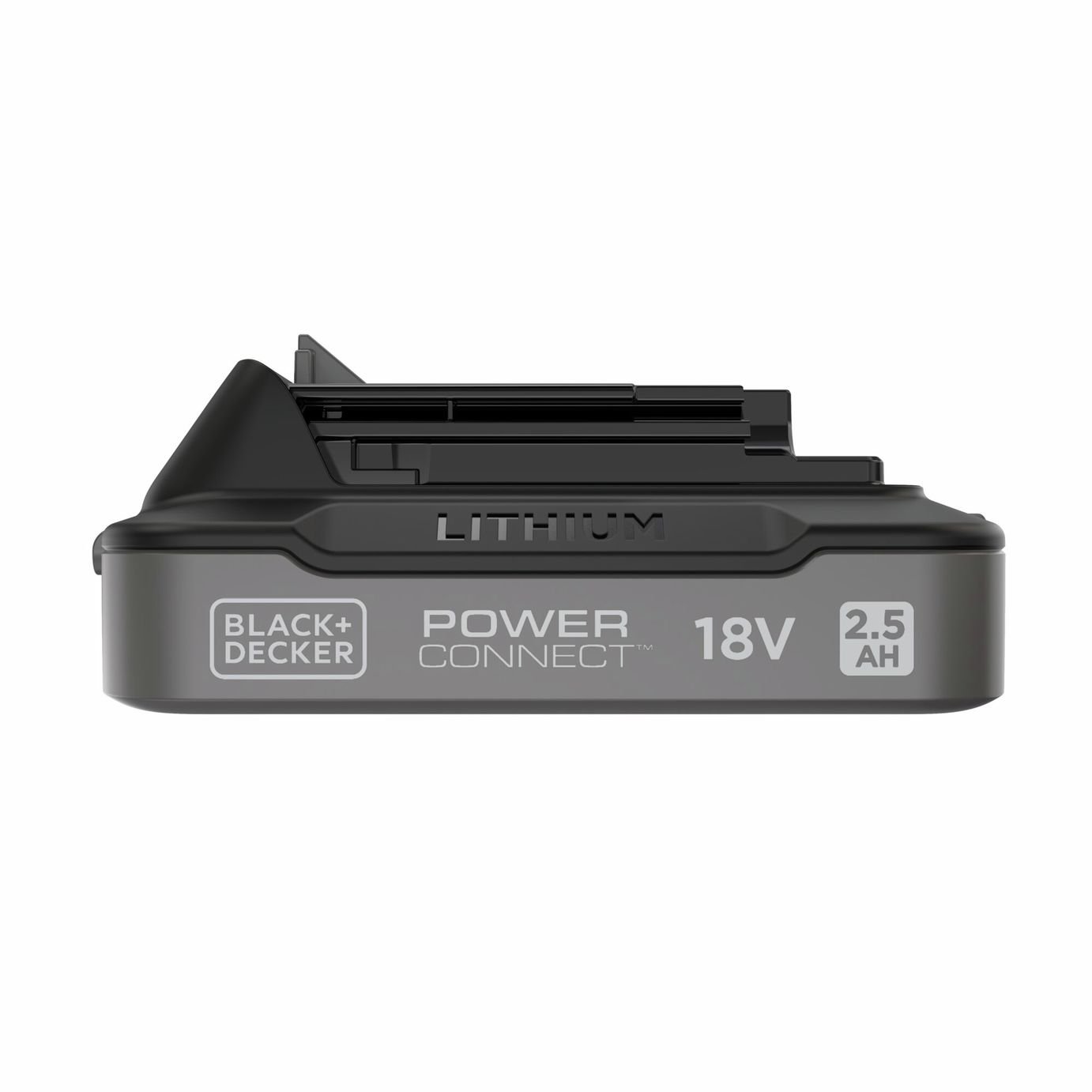 Black & Decker BDL2518S-XJ cordless tool battery / charger
from $31.75
Black & Decker BDL2518S-XJ cordless tool battery / charger
from $31.75
 Kolink OBSERVATORY HF MW computer case Midi Tower White
from $45.71
Kolink OBSERVATORY HF MW computer case Midi Tower White
from $45.71